Skip to content

AI presentation maker & pitch deck generator

Turn any idea into a beautiful presentation

Turn a prompt, a brief or a PDF into a structured, designed slide deck. Review it in your browser, edit it, then export it to PowerPoint (.pptx).

  • 2 free generations every week
  • No subscription
  • Pay only when you export
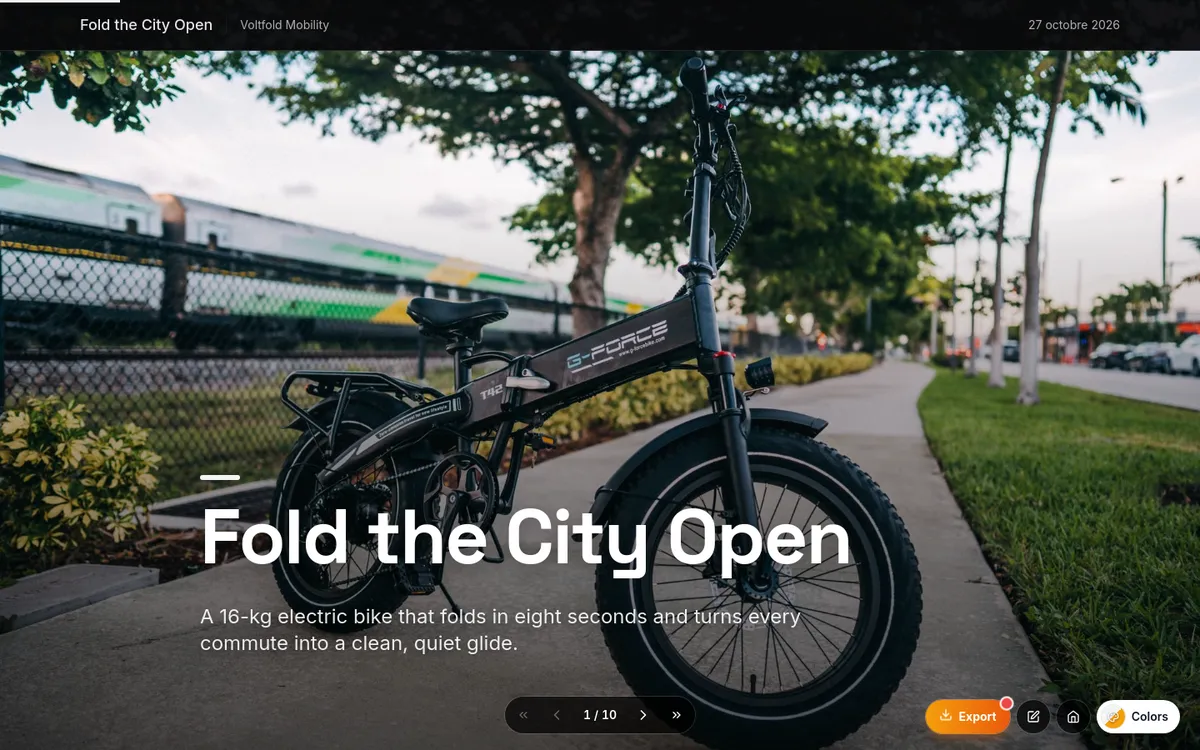
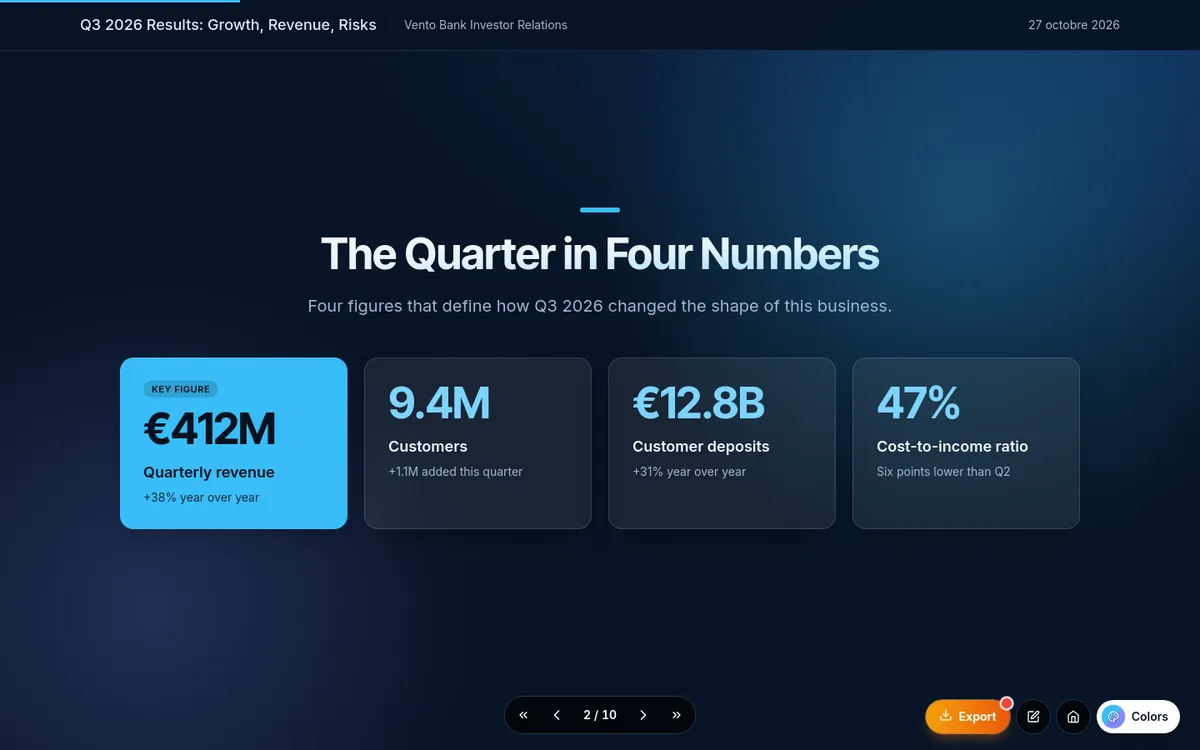
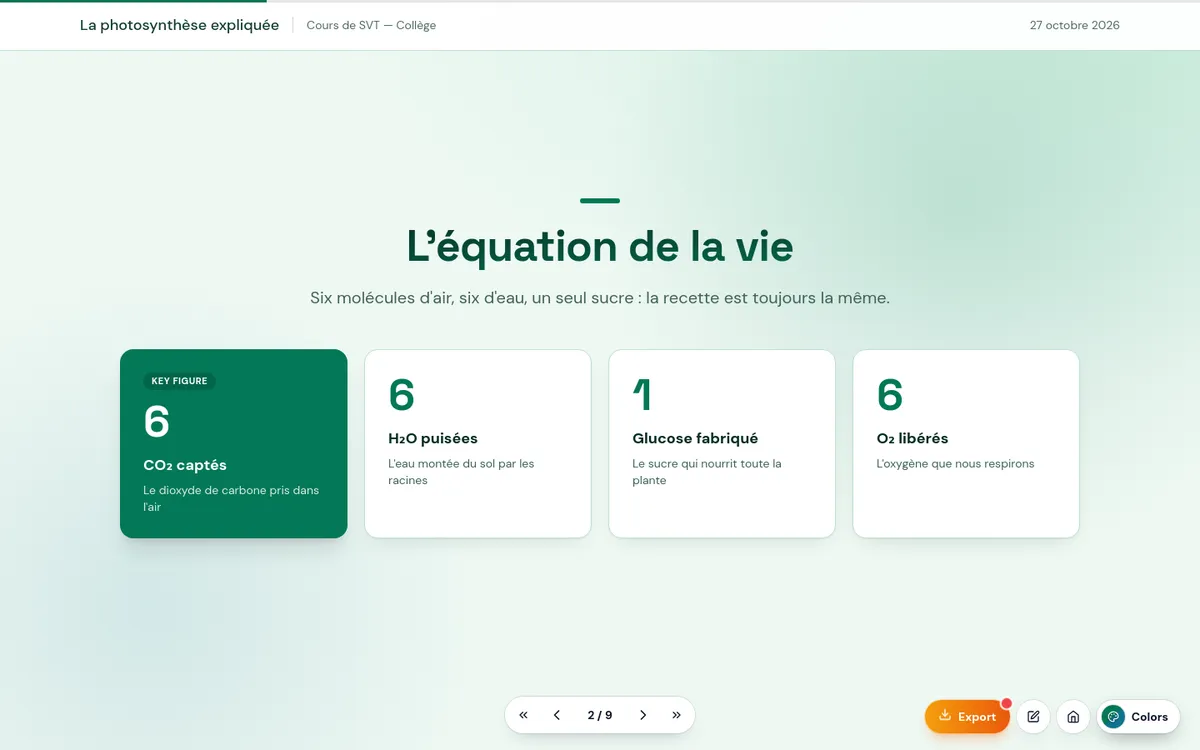
Travel deck about Tokyo generated with Slidy: full-screen photo with titleQuarterly results slide of a neobank with four key figuresBiology lesson slide about photosynthesis, fresh green themeProduct launch title slide for a foldable electric bike, dark theme
  • 3 ways to start

    Paste text, describe a topic, or import a PDF.

  • 5 to 35 slides

    Pick the deck length before generating.

  • Optional web research

    Let the AI enrich your deck with web search.

  • PowerPoint export

    Download an editable .pptx file.

Examples

Real slides generated with Slidy

Screenshots of the Slidy presentation viewer, taken from sample decks generated with the app. Layouts adapt to your content: title slides, split image & text, image grids, comparison tables, timelines…

Travel deck slide “Cinq visages d’une ville” with a photo gallery of Tokyo districts
Photo gallery · travel guide
Quarterly results slide of a neobank with four key figures
Key figures · quarterly report
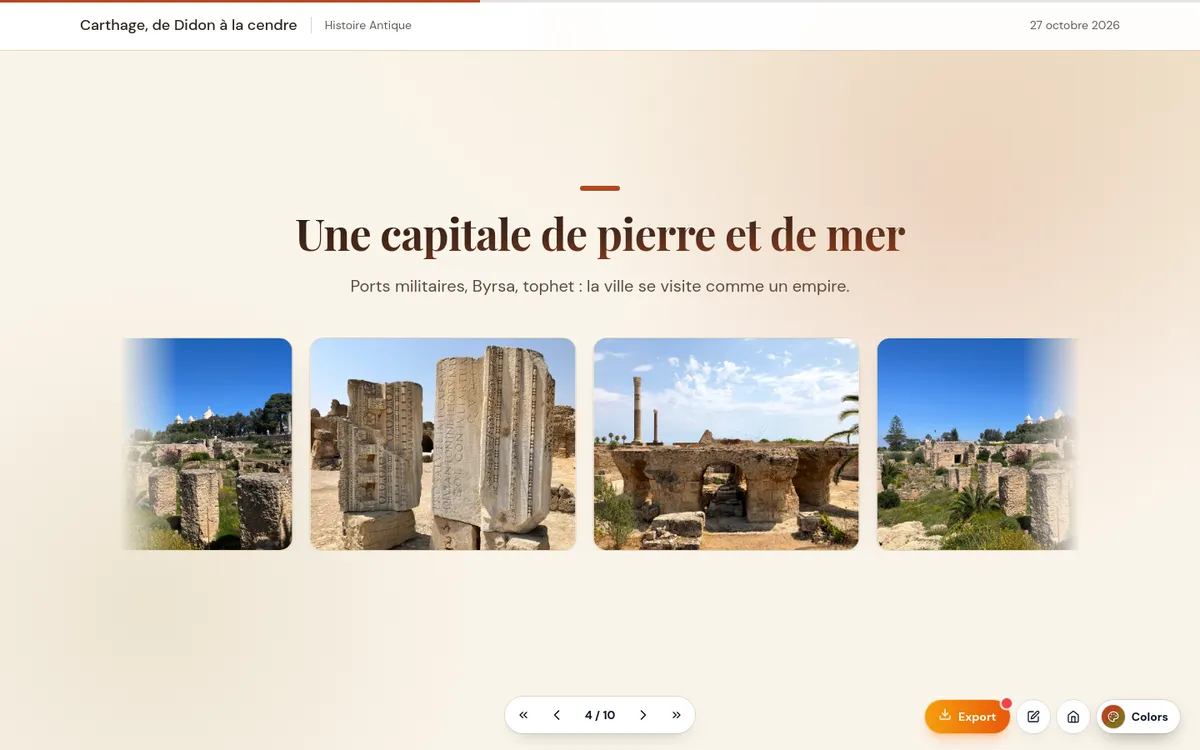
History deck slide about Carthage with a carousel of ruins photos
Photo carousel · history lesson
Product launch title slide for a foldable electric bike, dark theme
Product launch · pitch
Biology lesson slide about photosynthesis with key numbers, fresh green theme
School lesson · biology
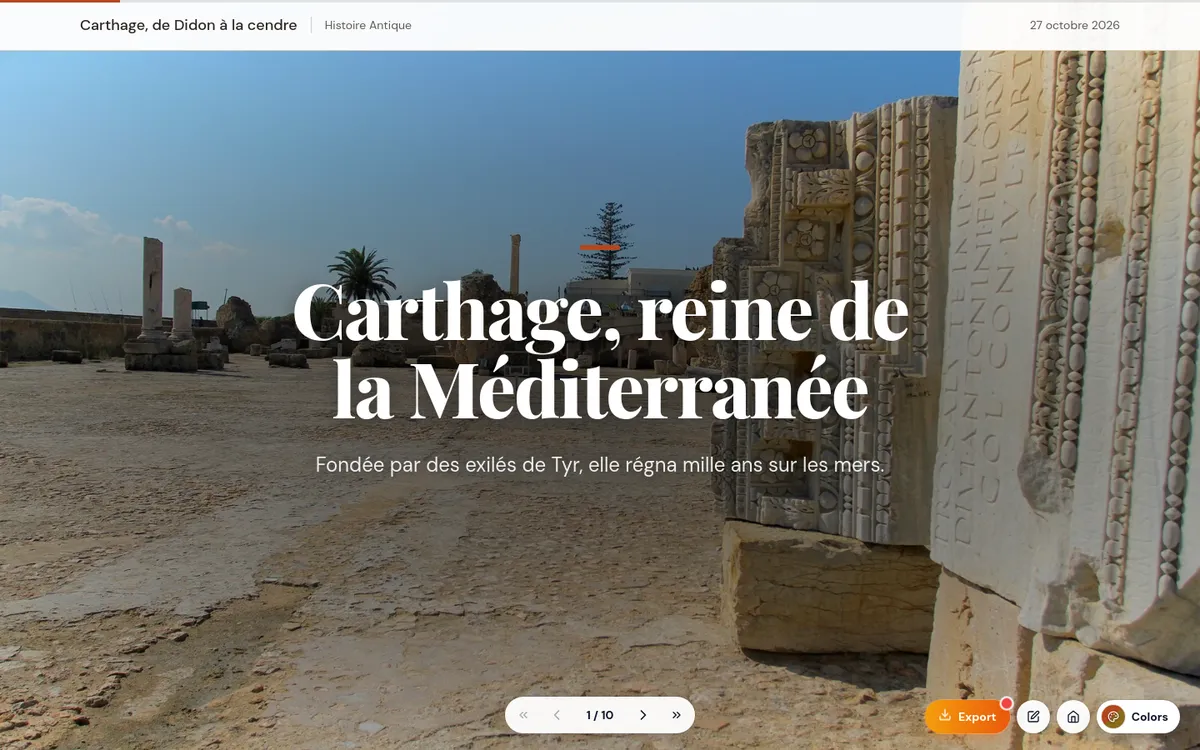
Opening slide of a history deck about Carthage with a full-screen photo
Opening slide · storytelling

3 steps

How it works

From raw content to a presentation you can send, in three steps.

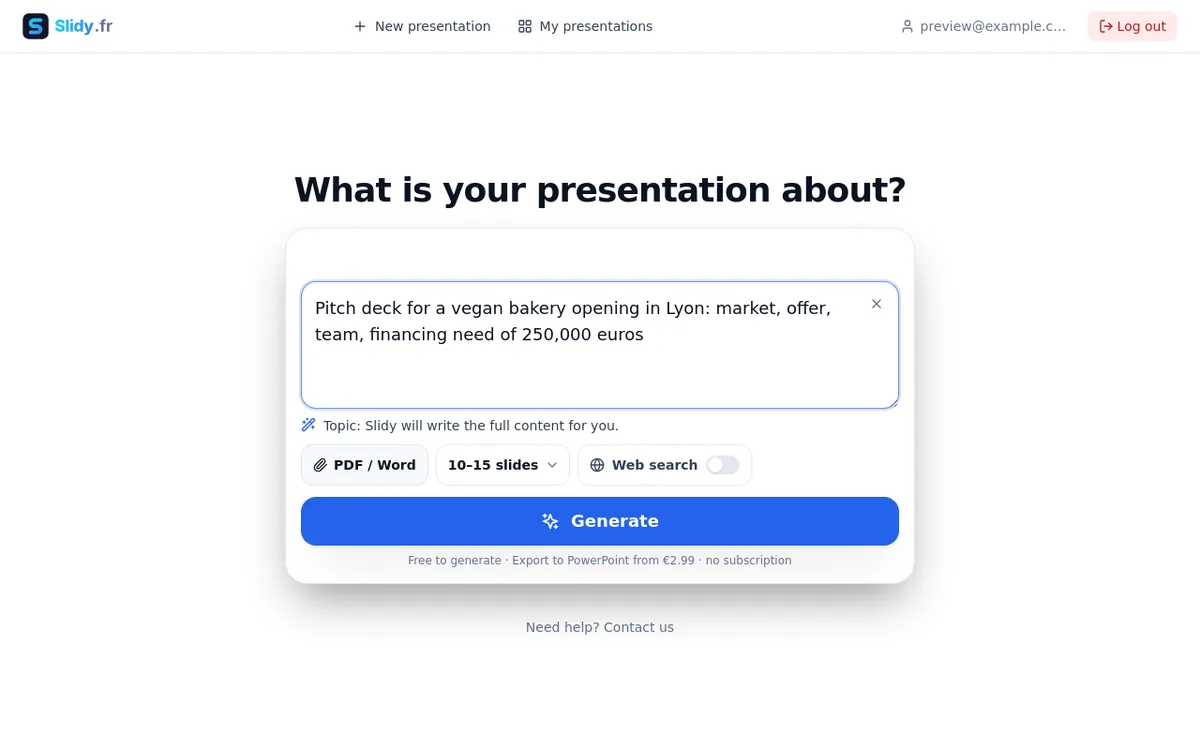
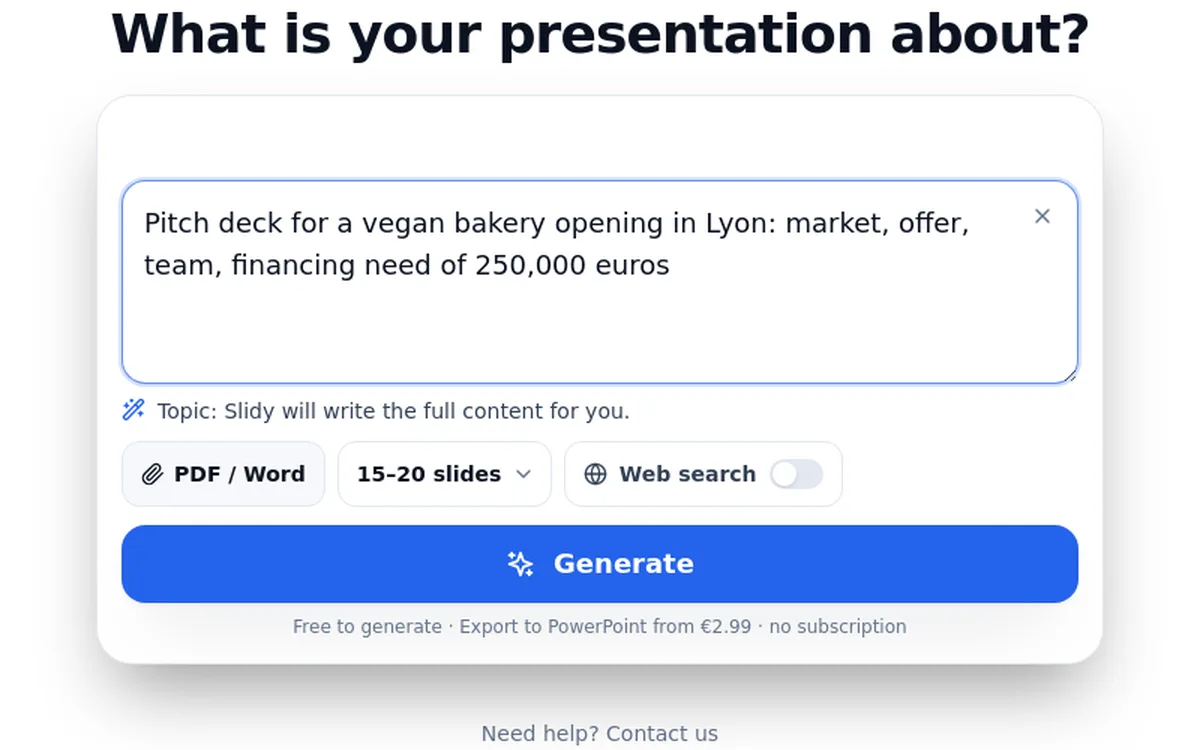
  1. Slidy creation page: a single box to type a topic, paste a text or drop a PDF or Word file

    Step 1: Bring your content

    Paste an existing text or outline, describe your topic and let the AI write it, or import a PDF document.

  2. Slidy generation settings: PDF or Word import, number of slides and web search option

    Step 2: Generate your deck

    Choose the number of slides (5 to 35) and optionally turn on web research. Slidy structures your content and lays out each slide with images.

  3. A generated travel deck open in the Slidy viewer, with the Export to PowerPoint, Edit and Colors buttons

    Step 3: Edit & export

    Preview the deck, switch between visual themes, fix any text in the editor, then export it to PowerPoint (.pptx).
Pricing

Simple pricing, no subscription

Generate and preview for free. Pay only when you want to download a deck as PowerPoint.

Free trial

Try Slidy on your own content.

0 €

  • 2 AI generations every week
  • Preview in the browser
  • Edit text & switch themes
  • Your decks saved in “My presentations”
Start for free — Free trial

Essential

For one presentation you need as a file.

2,99 €one-time

  • 10 AI presentations
  • 1 PowerPoint (.pptx) download
  • Never expires
  • No subscription
Get started — Essential
Best value

Creator

For several decks over the year.

9,99 €one-time

  • 50 AI presentations
  • 5 PowerPoint (.pptx) downloads
  • Never expires
  • No subscription
Get started — Creator

Pro

For people who present often.

24,99 €one-time

  • 200 AI presentations
  • 15 PowerPoint (.pptx) downloads
  • Never expires
  • No subscription
Get started — Pro

One-time secure payment by card, PayPal, Apple Pay or Google Pay. Packs are bought inside the app, never renew and add to the 2 free presentations every week. Re-downloading a deck you already downloaded is free.

FAQ

Frequently asked questions

Build your next pitch deck with Slidy

Create your free account, generate your first deck and pay only when you export it.

Start for free